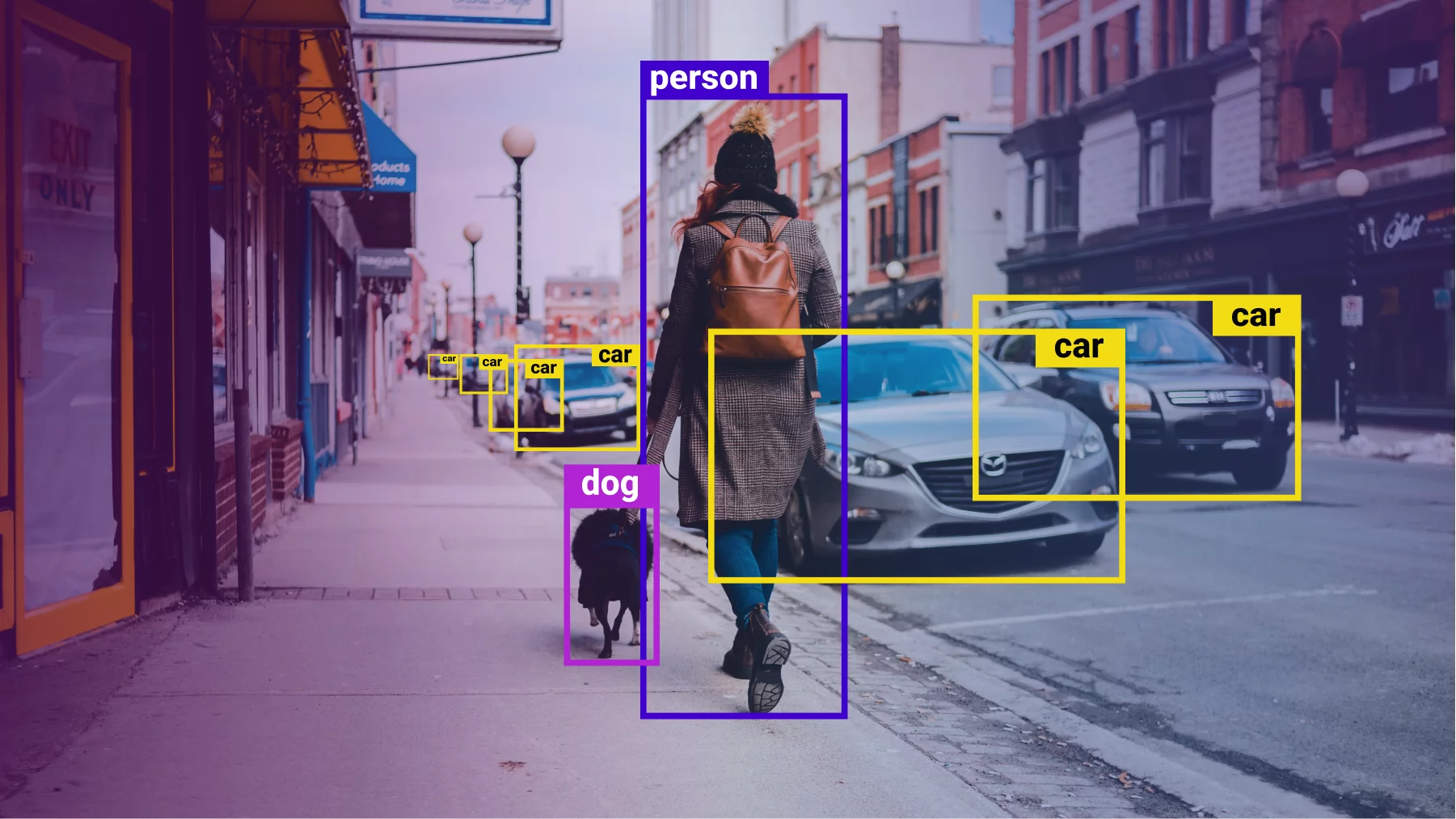
This post provides a complete guide to the Computer Vision Annotation Tool (CVAT) and where to get this service if you need it.
The world of computer vision is buzzing with innovation, from self-driving cars to facial recognition technology. But behind the scenes, a crucial yet often unseen element powers these advancements: data annotation. This meticulous process involves labeling images and videos with specific information, allowing machines to learn and interpret the visual world.
Enter the Computer Vision Annotation Tool (CVAT), a game-changer in this field. Whether you’re a seasoned AI developer or a curious newcomer, this blog post will delve into the why, what, and how of CVAT, equipping you to harness its power for your own computer vision projects.
Why Annotation Matters: The Fuel for AI Insights
Imagine a self-driving car encountering a traffic sign. Without annotated data showing what the sign represents (e.g., stop, yield), the car wouldn’t understand its significance. This is where annotation comes in. It provides the essential training data for algorithms to recognize objects, scenes, and actions within images and videos.
What is CVAT? Your One-Stop Annotation Shop
CVAT is a free, open-source tool that simplifies and streamlines the annotation process. It’s web-based, meaning you can access it from any device with a browser, making it incredibly versatile.
But CVAT’s magic lies in its features:
- Supports various annotation types: From bounding boxes and polygons for object detection to semantic segmentation for pixel-level labeling, CVAT caters to diverse needs.
- Handles both images and videos: Annotate static images or sequences of frames, making it ideal for tasks like object tracking and activity recognition.
- Collaboration made easy: Work with teams on annotations, ensuring consistency and efficiency.
- Customization options galore: Tailor CVAT to your specific project with custom attributes, labels, and even integrations with external tools.
- AI-powered assistance: Utilize pre-trained models for automatic annotation suggestions, saving you time and effort.
How to Get Started with CVAT: Unleashing Your Inner Data Labeler
Ready to dive in? Here’s a quick roadmap:
CHEAP NON-EXPIRING DATA
Buy affordable data bundles that never expire. Reliable and Instant Delivery!
BUY CHEAP DATA NOW- Head over to cvat.ai: This is the official website where you can try CVAT online or download it for self-hosting.
- Create a project and upload your data: Choose images or videos you want to annotate and organize them within projects.
- Select your annotation type: Decide how you want to label your data (e.g., bounding boxes, polygons).
- Start annotating! Use the intuitive interface to label your data point by point.
- Export your labeled data: Once finished, export the annotated data in formats compatible with your machine learning framework.
Beyond the Basics: Exploring CVAT’s Advanced Capabilities
While the core functionality is straightforward, CVAT offers advanced features for power users:
- Integrations with popular frameworks: Connect CVAT with TensorFlow, PyTorch, and other frameworks for seamless data flow.
- Self-hosted option: Deploy CVAT on your own server for complete control and privacy.
- Community support: Leverage a vibrant community of users and developers for assistance and knowledge sharing.
READ: Unveiling the Power of Ginseng: A Deep Dive into Ginseng Essence Water
The Impact of CVAT: Democratizing Data Annotation
CVAT’s open-source nature and user-friendly interface make it accessible to individuals and organizations of all sizes. This democratizes data annotation, fostering innovation and accelerating the development of computer vision applications across various industries.
EXCEL IN YOUR EXAMS
Get instant access to the most reliable Mocks and Marking Schemes.
BUY TOP 2026 BECE MOCKS AND ANSWERSSo, whether you’re building your own AI project or simply curious about how machines “see” the world, explore CVAT. It’s a powerful tool that can empower you to contribute to the exciting world of computer vision!
Remember: This is just the tip of the iceberg. There’s much more to discover about CVAT. Feel free to explore its documentation, tutorials, and community resources to unlock its full potential!