New GoG Salary Validation Portal: How to Fix “Invalid Username” Login Errors
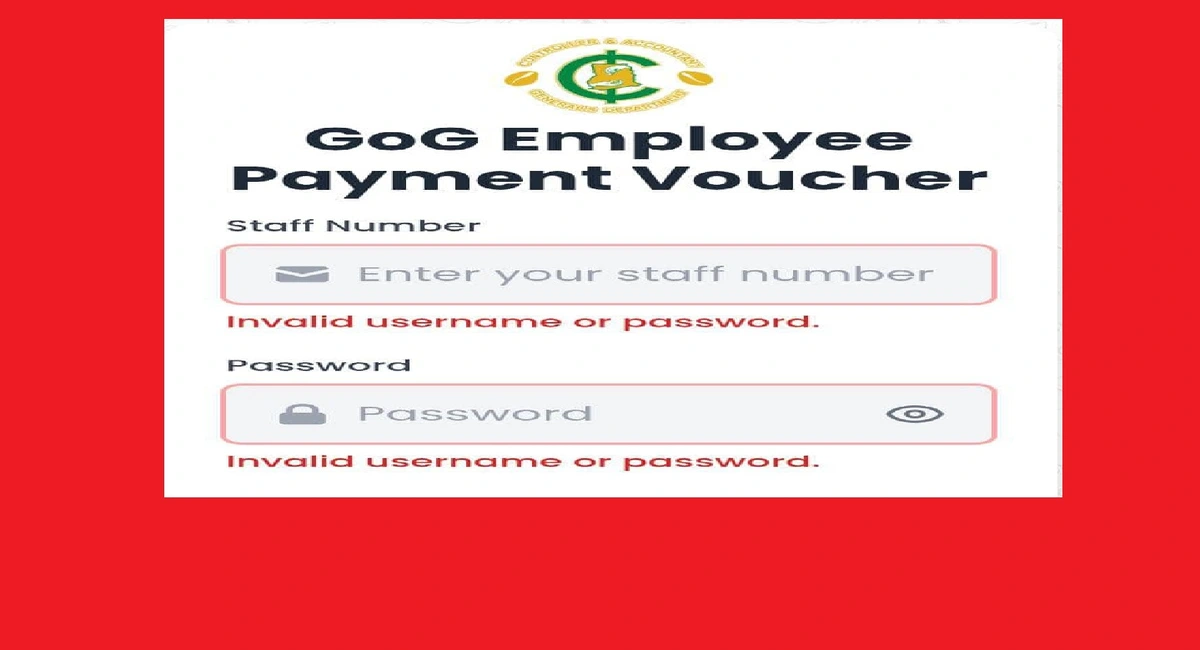
Following the recent roll-out of the upgraded GoG Employee Payment Voucher (PV) Validation Application by the Controller and Accountant-General’s Department (CAGD), several teachers and public sector validators have reported difficulties accessing the new platform. Users have specifically encountered “Invalid username or password” errors despite using their correct staff credentials.
If you are a validator facing these login challenges, you are not alone. This guide provides the necessary steps to resolve these technical issues to ensure January 2026 salaries are processed without delay.
Understanding the “Invalid Username” Error
The upgraded system introduces a new and improved payroll validation process intended to strengthen payroll checks. However, some staff numbers for validators (including those previously assigned as Validator A or B) are currently failing to open the dashboard.
This typically occurs because:
Validator Lists Not Updated: Institutions are required to ensure their validator lists are fully updated on the new system before access is granted.
New Credentials Required: The upgraded application may require a reset or re-authorization of existing credentials.
How to Fix “Invalid Username” Login Errors On The New GoG Salary Validation Portal
If you cannot access the portal at www.gogepv.com, follow these steps immediately:
Contact Local Support: Reach out to your SISO (School Information System Officer), IPPD (Integrated Personnel and Payroll Database) coordinator, or HR Department to verify that your staff number has been successfully migrated to the new validator list.
Verify Your Credentials: Double-check that you are entering your staff number exactly as registered in the system.

Seek Technical Assistance: CAGD has designated specific officers to provide technical guidance for those who cannot access the upgraded application.

Official CAGD Technical Support Contacts:
Validators experiencing persistent issues should contact the following for urgent assistance:
Michael Dodoo: 0247360841
Henry Obeng Danso: 0247452601
Mercy Amoah Mantey: 0246968301
Alexandra Yeboah: 0244481836
Alex Ankomah: 0243340355
Alternatively, you may visit any CAGD Regional Office for face-to-face technical support.
READ: 30+ New Teaching Job Openings for Teachers (School & Home Tuition)
Why Immediate Action is Required
The Controller and Accountant-General has emphasized that the upgraded application will be used for the validation and payment of January salaries and all subsequent payments this year. Failure to finalize validation due to login issues could lead to significant delays in salary processing for your entire institution.
<
p data-path-to-node=”18″>