
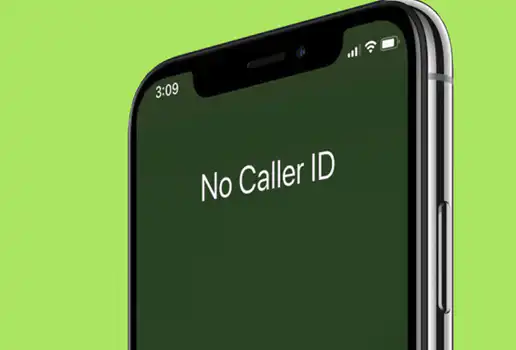
In the article, we will share with you a Simple Guide To Hide Your Phone Number When Making Calls On MTN. If you also want to make a call and then hide your number then this article is for you.
A Guide To Hide Your Phone Number When Making Calls On MTN
With MTN CLIR/SO, you can now make anonymous calls. This service allows you to hide or reveal your number when you call someone. The cost is GHS2 per month.
To activate the Caller Hide ID on your MTN line, follow the steps below:
EXCEL IN YOUR EXAMS
Get instant access to the most reliable Mocks and Marking Schemes.
BUY TOP 2026 BECE MOCKS AND ANSWERS- Dial 1333 to start
- Set a new pin code
- Confirm the pin code
- Create a new SMS and type clir<Space>activate<space>pin
- Send the to 1333
- The Caller Hide feature will be activated
READ: How to buy a new phone and pay in daily instalments in Ghana
How To Hide Your Number Before Making A Call?
To hide your number dial *67 before a number to call to hide your number. Eg: *67024419419
You should keep an eye on MTN’s procedures for a variety of services, as they frequently alter. In case the above code doesn’t work for you, check out a list of their newest short codes or contact customer support on 100.
CHEAP NON-EXPIRING DATA
Buy affordable data bundles that never expire. Reliable and Instant Delivery!
BUY CHEAP DATA NOWNow that you know the steps inside out. You can use the Simple Guide To Hide Your Phone Number When Making Calls On MTN