How to stop apps tracking iPhone in 2021-2022
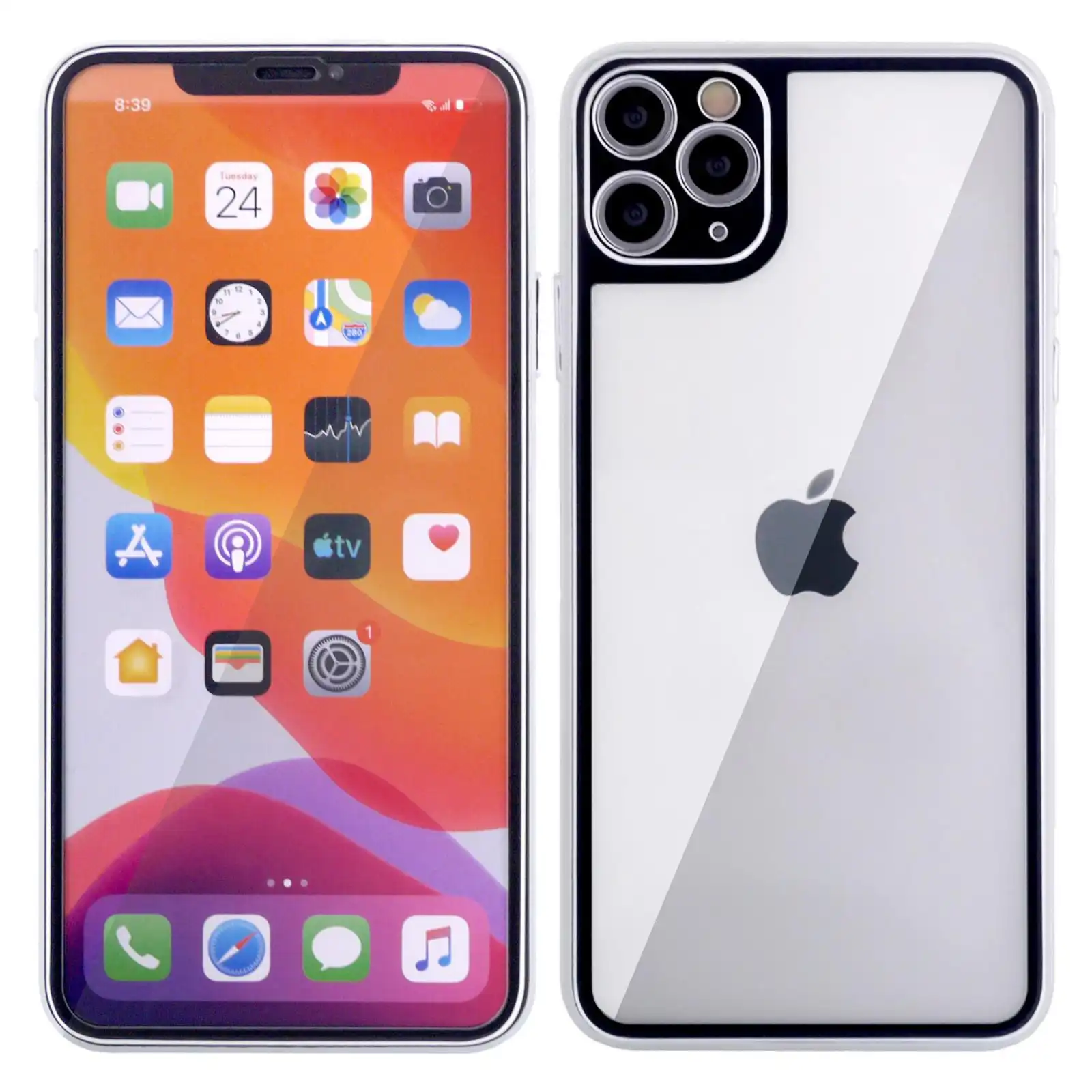
Do you know you are tracked by apps on your iPhone? Well, do you know how to use your iPhone to stop apps from tracking you? Keep reading this important write-up for the tricks and settings.
We all leave second life on the internet and use apps that have been programmed to track us however, you can use your iPhone to stop apps from tracking you as an Apple phone user.
The settings of your iPhone can be edited altered under sixty seconds to ensure, the apps tracking you are frozen and denied that inbuilt capability.
After making the changes to your settings, viola, you would have been able to improve your privacy as well as prevent ads from following you across the internet.
How to use your iPhone to stop apps from tracking you -STEP-BY-STEP
How to turn off app tracking on new apps
After downloading and installing a new app on your iPhone, you often get a notification that the installed application wants to track your activity across other apps and websites.
WANT TO PASS 2027 BECE? REGISTER FOR BECE HOME MOCK
Register your ward for Ghana's premier Home Mock service, active since 2022.
Often, information about the installed app is also available. To prevent it from tracking you, ask the app not to track you by opting out of the app’s request to track
Another quick way around this is to go to

1. Settings > Privacy > Tracking
2. Toggle off Allow Apps to Request to Track
Once you are successful with this, your app seeking to track and asking permission to track will be automatically blocked. This prevents it from triggering another request forever.
This action can further block all those annoying apps that seek permission to accessing your device’s information which is often used to advertise per information from Apple.
Note that, these steps taken will not stop all adverts from rolling out on your device since generic ads will still show.
Turn off app trackings on already-downloaded apps
Now, you might have already installed some apps and instruct the iPhone to stop apps from tracking you follow the simple steps below.
1. Go to the settings of the phone
2. Tap on the app
3. Tapp on turn off Allow Tracking
Alternatively, you can go to your Settings > Privacy > Tracking. Once you are there, just tap to turn on or off each app.
This will provide you with a list of apps you have intentionally or unintentionally given permission to track your activities and turn them off.
ALSO READ: 12 Best Samsung phones to buy in 2021
Remember that, all developers who have their apps running on Apple phones are required per the agreement between them and apple to seek your permission before tracking you.
ALSO READ: How to remove Whatsapp Hackers and Scammers forever
In case they track users who have turned down their request, they will have to update the app or face rejection from the app store.
ALSO READ:Yoast Search Engine Optimization Mastery Tricks For Bloggers
Now that you know this, you can instruct your iPhone to stop apps from tracking you.
Source: Ghana Education News