How to Buy a Phone on Credit Under MTN Pick and Pay Later Scheme
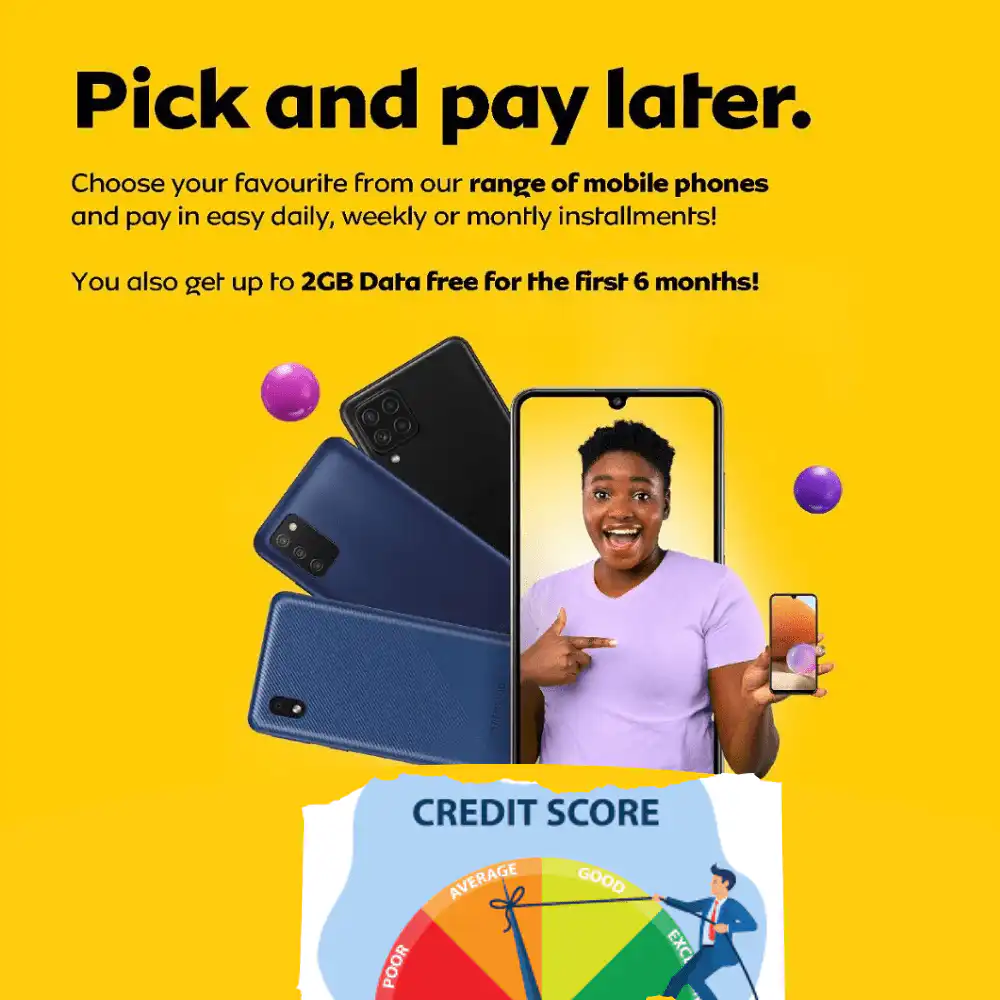
MTN Ghana has introduced a new service, effective November 26th, allowing its cherished customers to buy a phone on credit under the MTN Pick and Pay Later Scheme.
Christmas has come early with this service, as customers are expected to seize the opportunity to purchase their dream mobile phones and celebrate the festive season in grand style through the new MTN Pick and Pay Later Scheme.
This innovative service is a partnership between MTN Ghana, Access Bank PLC, and other firms to provide easy access to modern mobile phones without requiring full upfront payment.
Through this service, MTN will use its internal credit scoring system to assess the creditworthiness of its clients and match them with a mobile phone that suits their budget and lifestyle.
To qualify for this service, a customer must have a valid Ghana Card and meet the terms and conditions set by MTN. Interested persons can apply for the service easily by following the procedure outlined below.
However, customers should note that repayments will be made over a period of 4 to 6 months, depending on the option and offer provided.
READ: MTN Ghana & Access Bank Launch Credit Score System for Smartphone
How to Buy a Phone on Credit Under the MTN Pick and Pay Later Scheme
To purchase a smartphone under the MTN Ghana and Access Bank Credit Score System, follow these steps:
- Dial *170#.
- Select Financial Services (Option 5).
- Choose Loans (Option 3).
- Select MTN Pick and Pay Later (Option 6).
- Follow the prompts to complete the process.
If you need a new Android phone from the world’s best brands and prefer to pay later, consider the MTN Pick and Pay Later service today.

READ: How to check your MTN number in Ghana
Please remember, if your phone gets lost after purchase, you will still be required to pay for the service. Keep your phone safe to enjoy its full value under this scheme.