The CSSPS portal to check SHS placement has been opened, but there are some restrictions.
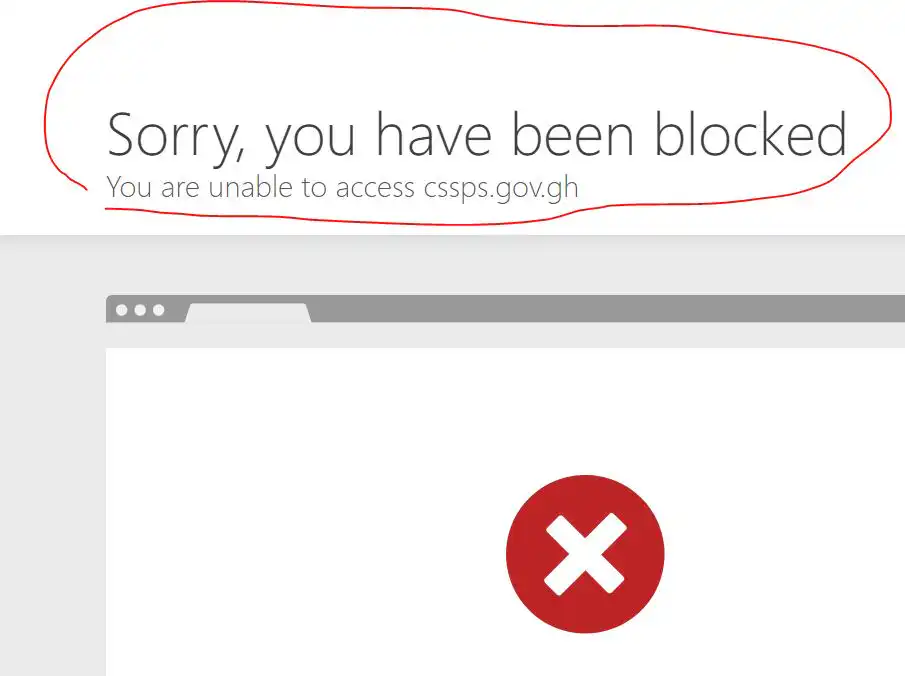
The portal for the Computerized School Selection and Placement System (CSSPS) at https://cssps.gov.gh, which is intended for verifying the school placement of students who participated in the 2023 Basic Education Certificate Examination, is now available online, however, it is subject to certain restrictions.
“The portal now shows a message that says, “Sorry, you have been blocked. You are unable to access cssps.gov.gh. This means it has not been opened for public access, but I am hopeful that in due course students can check their placement,” an official from CSSPS said.
READ ALSO: BECE 2023 Candidates To Get Or Denied SHS/SHTS/TVET Placement
When asked how they made sure the website wasn’t hacked like it was in 2019, the official said they worked with the Ministry of Education to make sure the placement system was safe.
“Recently, in an interview, the Minister for Education, Dr Yaw Osei Adutwum, disclosed that the Computerized School Selection and Placement System has been secured with a firewall, and a lot has been done concerning the system” .
How to buy a school placement card (From the CSSPS Approved vendor)
Use this below instead. How to buy SHS Placement voucher via Momo and online
1. Dial *170#
2. Select Momopay and paybill
3. Select playbill
4. Select General payment
4. Enter payment code: MAWU
5. Enter Amount: 13 (Enter 26, 39.. if you want to buy 2, 3..)
6. Enter reference: SHS
Enter your Momo pin to complete the transaction
A code will be sent instantly via SMS after a successful payment
How to check school placement
1. Visit the CSSPS portal @http://cssps.govgh/

2. Click on check placement
3. Enter your Index number
4. Enter your 10 digit E-voucher pin and
5. Enter your 5-digit PIN code
6. Click on Proceed and wait a few minutes for the next window to display your school placement.
How to do self-placement
1. Visit the CSSPS portal @http://cssps.govgh/
2. Then select the check placement module on the left-hand side
3. Enter your BECE Index Number (eg. 100000000023) and
4. Enter your 10 digit E-voucher pin and
5. Enter your 5-digit PIN code
6. Click on Proceed to be redirected to the self-placement module
When redirected successfully to the Self-placement module, you will be provided with a selection of schools to pick from based on the aggregate or grade you had in the Basic Education Certificate Examination (BECE).
7. Choose carefully your desired second-cycle school
8. Choose your residential preference (day or boarding).
9. Select your programme of choice
10. After doing all the necessary checks, confirm and print. Remember that once you have completed the selection process, it can not be undone or changed