How to Install the WAEC DigiCert App: Step-by-Step Guide and Public Reaction
The launch of the WAEC Digital Certificate Services (DigiCert) has sparked a massive conversation across West Africa. While the technology promises to end the era of physical certificate loss, the public reaction has been a mix of high praise and intense frustration.
If you are a graduate looking to secure your digital records, here is how to get started and what you should expect based on current user experiences.
How to Install the WAEC DigiCert App
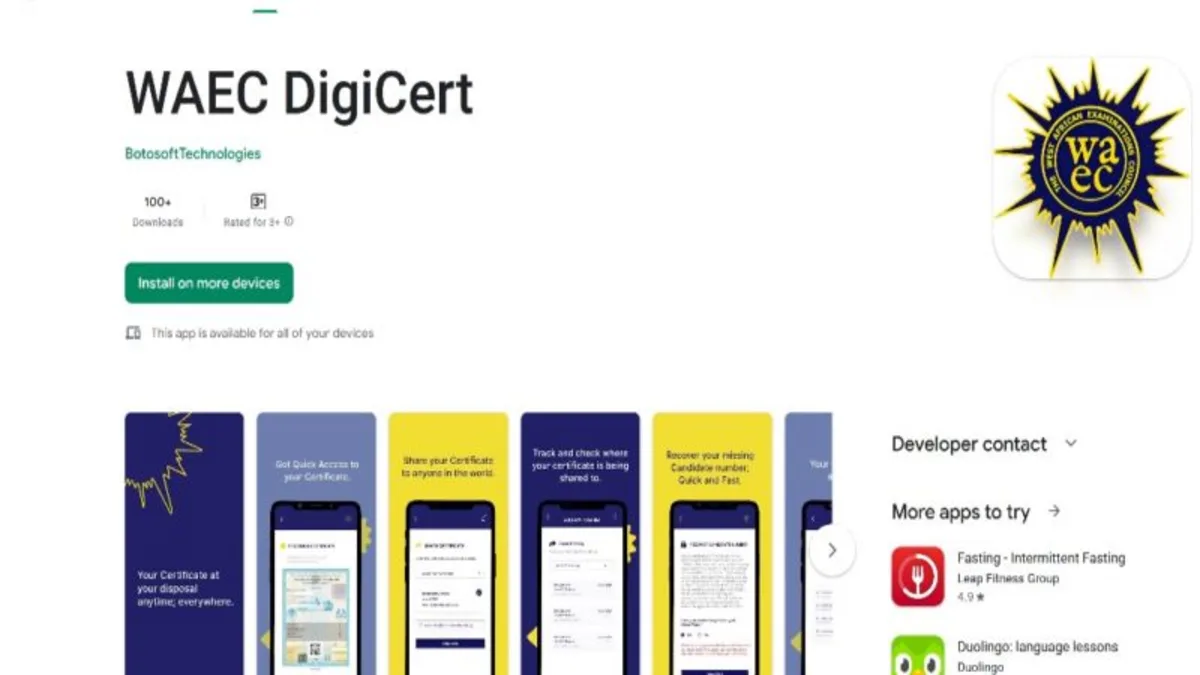
The app is available for both Android and iOS users. Follow these steps to ensure a secure installation:
Visit the Official Store: * Android Users: Go to the Google Play Store.

iOS Users: Open the Apple App Store and search for “WAEC Digital Certificate.”
Verify the Developer: Ensure the app is developed by Botosoft Technologies or officially listed by WAEC to avoid fraudulent clones.
WANT TO PASS 2027 BECE? REGISTER FOR BECE HOME MOCK
Register your ward for Ghana's premier Home Mock service, active since 2022.
REGISTER YOUR WARD NOWDownload and Open: Click “Install.” Once the download is complete, open the app and grant the necessary permissions for camera and storage (required for identity verification).
Create Your Account: Sign up using your legal name, a valid email address, and your phone number.

Connect Your Identity: You will likely need to link your Ghana Card (or BVN for Nigerian users) to verify your identity before accessing records.


Public Reactions: What Students and Graduates are Saying
Since its full implementation, the WAEC DigiCert app has received a wide spectrum of feedback. As of early 2026, the sentiment is polarized between those celebrating the innovation and those struggling with technical bottlenecks.
The Positives: “A Game Changer”
Many users have hailed the app as the best innovation from WAEC in decades.
Convenience: Users like Richard James noted that accessing a certificate in February after a December exam was “no stress,” celebrating the end of physical certificates that can be easily misplaced.
Cost-Effectiveness: Faith Moses argued that the fee (approximately GH₵ 350 – GH₵ 400 or ₦7,500) is “nothing compared to what you will give the school” to retrieve a manual certificate.
Support: Chukwuma Onyedika shared that despite a name error, customer service resolved his issue in just two working days.
The Negatives: “Technical Glitches and Costs”
On the flip side, some users have encountered significant hurdles.
Payment & OTP Issues: A common pain point shared by Funmi Salami and Duke Kalu involves successfully funding the in-app wallet but failing to receive the OTP (One-Time Password) required to finalize the process.
Processing Delays: Some graduates, like Nonso Ijomah, reported long waiting periods, claiming a certificate paid for in May was only processed by October.
Refund Concerns: Users such as Rosemary Ijomah and Chikamso Emengini expressed frustration over failed attempts to access certificates after payment, leading to calls for refunds and better customer support.
READ: How to Recover Your Lost WAEC Index Number Using DigiCert App
Expert Advice Before You Use the App
Based on the mixed reactions, here are three tips for a smooth experience:
Check the Web Version First: As suggested by O’Fẹ́mi Àgbéjoyè, if the mobile app feels buggy, the web portal often provides a more stable experience for initial requests.
Verify Your Details Twice: Ensure your name and date of birth match exactly what is on your ID card and WAEC records to avoid identity mismatches.
Be Patient with Support: If a payment hangs, send an email to the official support address or message them on Twitter (@WAECDigicert). Many users reported that while the app may fail, the support team eventually resolves the issues.