

Ghana’s First E-Voting Portal for Schools and Institutions Launched by Education-News Consult
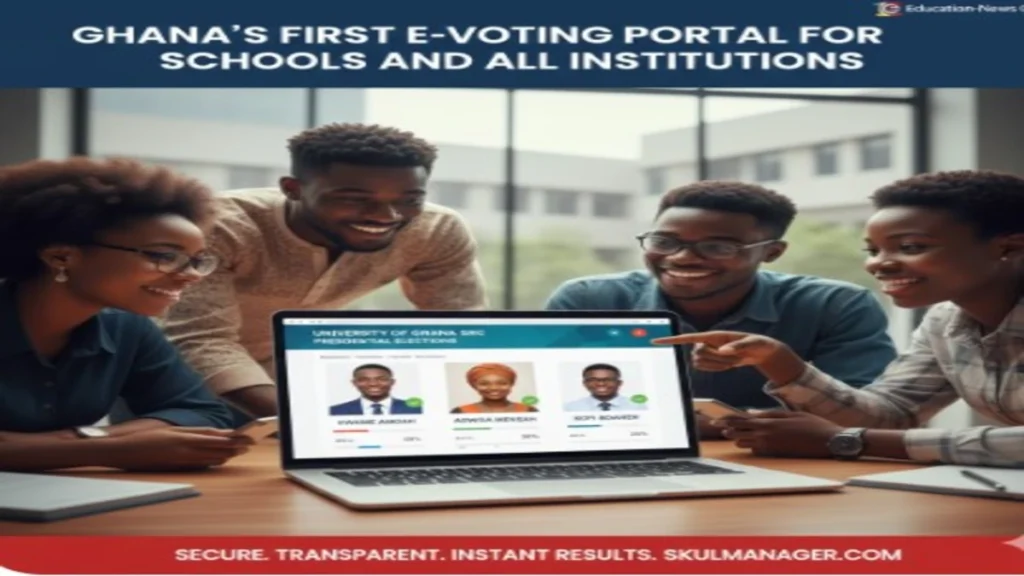
In a landmark move to digitize democracy within the academic and corporate space, Education-News Consult has officially unveiled Ghana’s first comprehensive E-voting Portal. This cloud-based election management system, hosted on Skulmanager.com, is designed to replace the cumbersome, expensive, and often disputed manual paper-ballot system with a secure, transparent, and instantaneous digital alternative.
From Student Representative Council (SRC) elections in Senior High Schools and Universities to Board of Director votes in corporate institutions, the SkulManager E-Voting Portal is set to become the gold standard for organized elections in Ghana.
Ghana’s First E-Voting Portal for Schools and Institutions Ends of Election Disputes: Why E-Voting?
Traditional elections in schools are often plagued by “over-voting,” missing ballot boxes, and long nights of manual counting that lead to tension and distrust. The SkulManager portal solves these “pain points” by introducing automated integrity.
Key Features of the SkulManager E-Voting System
The portal is packed with features that ensure a smooth “Election Day” for both administrators and voters:

-
Secure Voter Authentication: Only registered members can vote. Each voter receives a Unique Voter ID and Secret PIN via SMS or Email to ensure “One Person, One Vote”.

-
Real-Time Result Tracking in Live Strong Room: Watch the results roll in! As soon as a vote is cast, the system updates the tally instantly. No more waiting 24 hours for results.
WANT TO PASS 2027 BECE? REGISTER FOR BECE HOME MOCK
Register your ward for Ghana's premier Home Mock service, active since 2022.
REGISTER YOUR WARD NOW -
Candidate Profiles: Voters can see photos, names, and even the “manifestos” of candidates directly on the digital ballot.
-
Audit Trail & Transparency: Every vote is encrypted and logged. If a result is challenged, the system provides a tamper-proof digital audit trail that proves the election’s fairness.
-
Remote Voting: Students on holiday or workers out of the office can cast their ballots from any smartphone or laptop with internet access.
Who Can Use the Portal?
The SkulManager E-Voting service is versatile and can be tailored for:
-
Senior High Schools (SHS): Perfect for Prefect and SRC elections.
-
Tertiary Institutions: Handling complex University-wide student leadership votes.
-
Corporate Organizations: For Board of Directors, Union leadership, or staff representative elections.
-
Churches & NGOs: To elect executive committees or decide on internal policies.
-
Associations: Professional bodies like GNAT, NAGRAT, or local trade unions.
The Benefits: Efficiency Meets Savings
-
Cost-Effective: Save thousands of Cedis on printing ballot papers, hiring security for ballot boxes, and providing food for counting agents.
-
Environmental Impact: Go green! By eliminating paper ballots, your institution contributes to a sustainable environment.
-
Higher Turnout: Because it’s as easy as “tapping a screen,” voter participation increases significantly, especially among the tech-savvy youth.
Visit Skulmanager.com/election_features.php to set up your institution’s E-voting portal today!
Step-by-Step Guide: How to Set Up Your First Digital Election
Setting up an election on the SkulManager E-voting Portal is designed to be as easy as sending an email. Follow these five steps to move your institution from paper ballots to digital democracy.
1. Secure Your Election Portal
First, visit Skulmanager.com and register your institution. You will be assigned a dedicated admin dashboard where you can manage all your current and future elections.
Read: Master Security Services Aptitude Test: Solve All Likely Questions on skulmanager.com/aptitude/test
2. Upload the Voter Register
This is the most critical step for security. You will upload a CSV or Excel file containing the names and contact details (Phone/Email) of everyone eligible to vote.
-
The system will automatically generate a Unique Voter ID for each person.
-
Voters will receive their login credentials via SMS or Email just before the polls open.
3. Create Categories and Candidates
In your dashboard, define the positions (e.g., School Prefect, SRC President, Financial Secretary).
-
Upload Photos: Voters are more likely to engage when they see a candidate’s face.
-
Add Manifestos: You can include a short bio or a link to a video manifesto for each candidate.
4. Configure Election Rules
Tailor the election to your specific needs:
-
Start/End Time: Set the exact minute the polls open and close.
-
Vote Limits: Specify how many candidates a voter can choose per category.
-
Privacy Settings: Decide whether you want a live public scoreboard or a hidden tally that is revealed only at the end.
5. Launch and Monitor Results
Once you hit “Go Live,” the system takes over.
-
Active Monitoring: As an admin, you can see the voter turnout percentage in real-time (e.g., “65% of students have voted”).
-
Instant Result Generation: The second the clock strikes the end time, the system generates a certified PDF report of the winners.
READ: Ghana’s First E-Voting system for Schools and Institutions launched – Say Goodbye to Paper Ballots
Ready to Modernize Your Election?
| Feature | Manual Paper Voting | SkulManager E-Voting |
| Counting Time | 4 – 12 Hours | Instant (0 Seconds) |
| Cost | High (Printing & Security) | Low (Digital Subscription) |
| Disputes | Common (Human Error) | None (Encrypted Logs) |
| Convenience | Must be physically present | Vote from Anywhere |
 2026/2027 School Placements: Release Rescheduled, Results Now Expected on September 4
  Download August 2026 BECE Home Mock English Language Questions Here
  GES Clarifies Salary Adjustment for Newly Promoted Teachers, Says No Application Is Required
  2026 WASSCE Results: If you FAIL, you cannot RESIT in SEPTEMBER
  WAEC holds final 2026 WASSCE Result Release Meeting: All Malpractices To Be Punished