How to Print KNUST Provisional Admission letter for 2022/2023
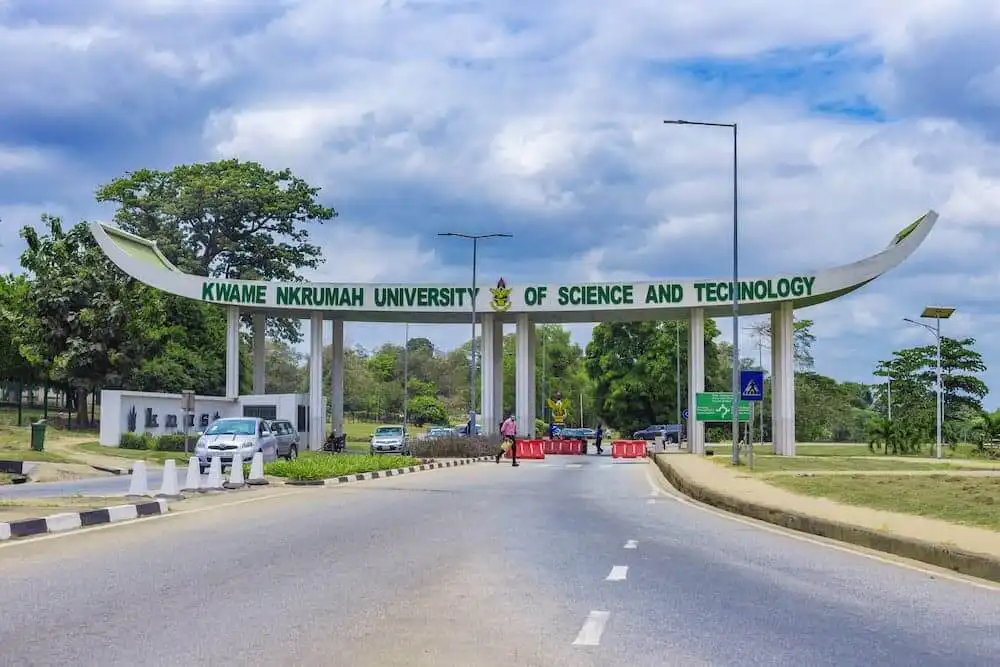
The management of Kwame Nkrumah University of Science and Technology (KNUST) has told all Undergraduate applicants for the 2022–2023 school year whether they have been accepted.
Management asked all applicants to check their admission status at the school’s online admissions portal.
STEPS ON HOW TO CHECK KNUST ADMISSION STATUS
The University says that all applicants should carefully follow the steps and check their status.
1. Visit the online portal of KNUST admission here https://apps.knust.edu.gh/admissions/apply/Account/Login
and follow the next options.
2. You will be asked to key in your credentials.
3. Type the credentials asked for (Login ID / Serial number).
4. Next, type your PIN and proceed to the final stage.
5. Finally, there is a blue rectangular button inscribed with login. Kindly click it and wait for the feedback.
After checking your admission status, follow the steps below on how to print your admission letter.

- Go to the Admission Portal at Knust .edu .gh
- Sign in with your Serial number and Pin to print the admission letter.
READ ALSO: KNUST 2022/2023 Undergraduate Admission released – How to Check KNUST Admission Status