

A Step-By-Step Guide To Register On GOGPayslip E Payslip
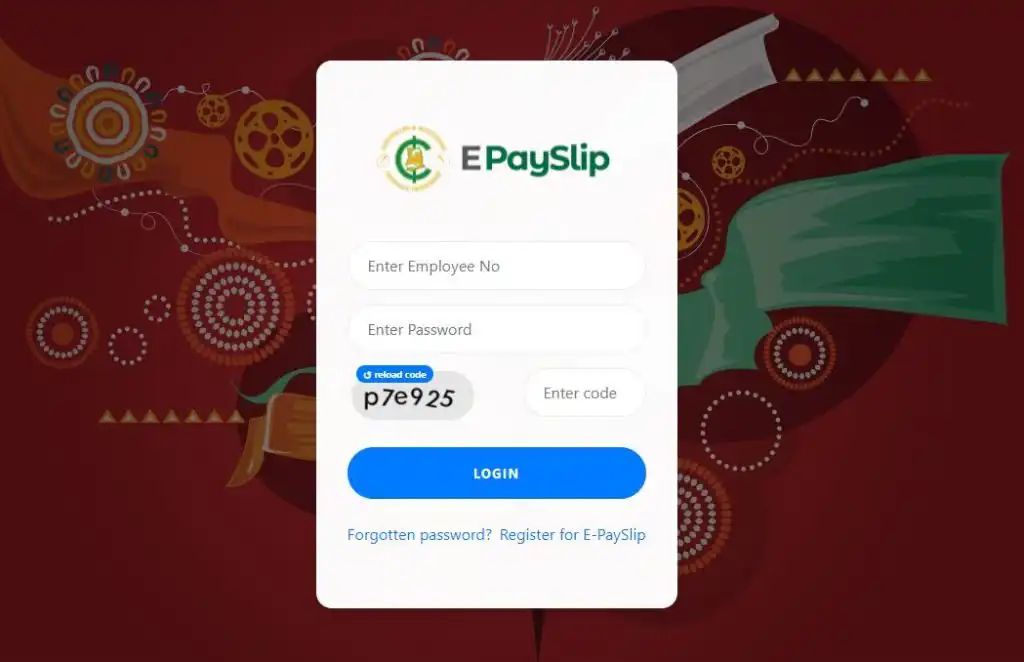
This article provides the reader with a Step-By-Step Guide To Register On GOGPayslip E Payslip
Information you need to register on the GOGPayslip E Payslip includes the following:
- Employee number (Number assigned to you by your unit head or employer)
- Registration code (You can register to utilize this service by entering a registration code, which is a one-tie code. For your registration code, speak with the head of your management unit.)
- Mobile Number
- Valid Email Address
Once you have all these valid details you can start the registration on the GOGPayslip E Payslip
When you have gathered all the requirements, go ahead and register with this step-by-step guide.
- Open any browser on your phone or laptop
- Click HERE or type https://www.gogpayslip.com/createaccount.php. You will be sent to the epayslip registration site.
- Enter employee number. It is a six-digit unique number.
- Confirm employee number.
- Enter your password
- Re-enter password to confirm
- Enter the registration code given to you by your management head unit or employer
- Enter your email address if any
- Enter your mobile phone number
- Re-enter telephone number to confirm
- Enter the code shown.
- Click on register to proceed.
- You have successfully registered for the e-payslip service in Ghana. Now proceed to log into your dashboard.
READ: How NSS plans to prevent overcrowding at registration centres for deployed nurses

We hope these procedures have been useful to you in registering on the GOGPayslip E Payslip.

WANT TO PASS 2027 BECE? REGISTER FOR BECE HOME MOCK
Register your ward for Ghana's premier Home Mock service, active since 2022.
 How to fill the 2026 School Selection form correctly
  How to Check 2026 BECE Results – Step By Step
  How to check 2026 BECE results at Eresults.waecgh.org
  How To Buy Only BECE Checkers: Don’t Mistakenly Buy WASSCE result checker for BECE
  Buy BECE Results Checker Card Single and in Bulk| Fast MoMo Wallet
  2026 BECE Results Checker Cards Released By WAEC : Buy Here