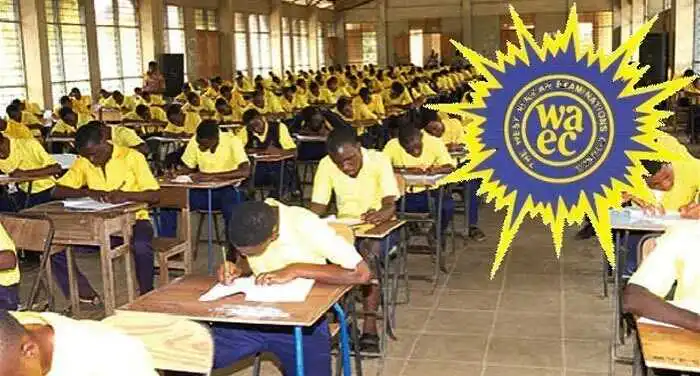
Buy 2022 BECE Result Checker Now – Buy Here
The 2022 BECE Result Checker is Now Out. Parents and BECE Candidates can now buy the result checker from us. These are valid result checker cards for checking the 2022 BECE results to be released by WAEC.
After buying the result checker card, DO NOT CHECK THE RESULT until the result is officially released by WAEC.
Note that the BECE 2022 Result checker can be used to access the result only three times.
The results will be uploaded on www.eresults.waecgh.org

How to buy valid 2022 BECE result checker
WANT TO PASS 2027 BECE? REGISTER FOR BECE HOME MOCK
Register your ward for Ghana's premier Home Mock service, active since 2022.
Chat Ghana Education News –Sorry We Are Out of Stock
THE NEW PRICE: ONE CHECKER CARD IS GHS16.50.
How to check 2022 BECE results when it is out or released by WAEC.
How To Check BECE Placement Results On Phone Online
- The first step is to ensure you have the placement checker, which we will be selling when it is available.
- Ensure that you have access to a computer that has Internet access.
- Using your computer, visit the CSSPS result checker online portal via https://www.cssps.gov.gh/
- Proceed to enter your BECE index number. It should be 10 digits. And also your year of examination. For example, if your index number is 1234567890 and your examination year is 2022, you will input 123456789021.
- On your checker, you will get a serial number.
- Enter the serial number found on top of the scratch card in the field designated for it.
- Enter your PIN (Personal Identification Number) which will also be found on the scratch card you purchased.
- After you are done, you then click submit. Be patient and wait for the results window to pop up.
- If you are successful, the CSSPS placement checker print form option will appear.
- Click on print to print out your form.
This article told you everything you need to know to check your BECE placement results on the phone or online.