Step by Step Guide to Uninstall Apps on Mac
There are times when we install an app on our Mac when we need it and leave it there once work is done, we couldn’t uninstall collecting dust and occupying space. These unused apps are a big waste of space on our Macs. By uninstalling these apps, you can free up plenty of space and RAM and prevent Macs from slowing down over time. In general, by removing unused or unworthy apps, you will give your Mac more breathing room.
So now that you have decided to get rid of those unused apps, let’s take a look at three easy ways to uninstall them. That one app living rent-free on your Mac might cause you slow downs and stutters, clean it now! Here’s an easy way to do it:
Table of Contents
- 3 Easy Ways To Uninstall Apps in Mac
Delete App On Mac Using Launchpad
Uninstall the App Using Finder on a Mac
Uninstall An App On Mac That Doesn’t Show Up In Finder Or Launchpad - FAQs
3 Easy Ways To Uninstall Apps in Mac
As I have mentioned earlier there are three easy ways to get the apps uninstalled. Let’s take a detailed look at these methods and how to perform them one by one.
Delete App On Mac Using Launchpad
If you are using a Mac you are familiar with the launchpad it’s like a menu tray in Mac OS where you can find all your apps in one place. You can delete an app from Launchpad itself without fumbling any other places on your Mac Mac. Here’s how:


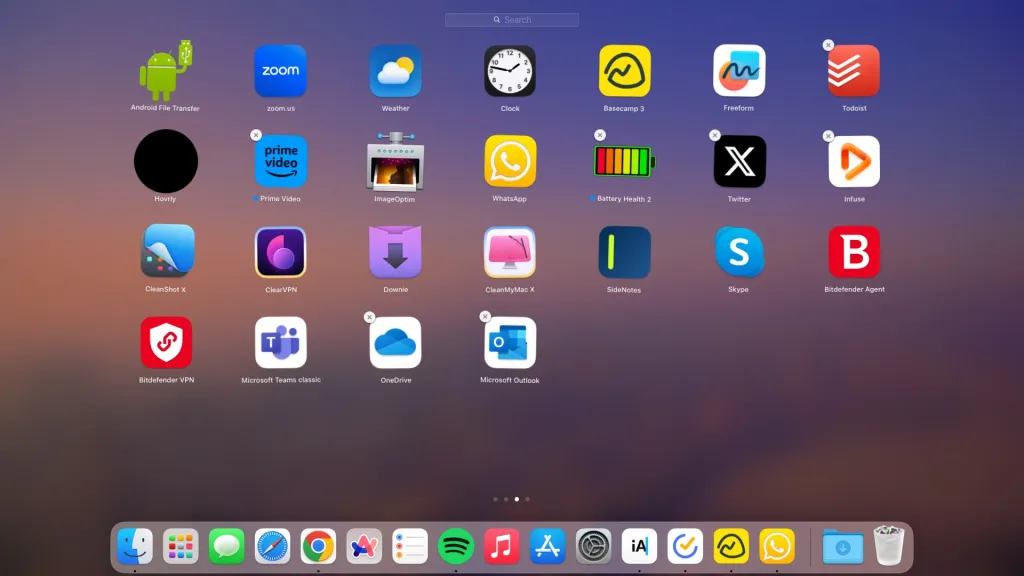
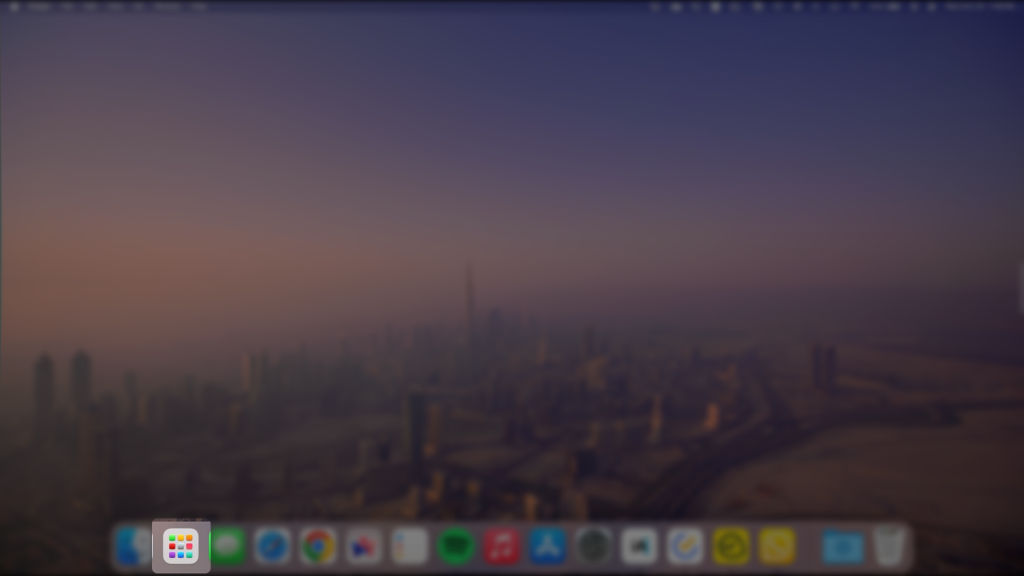
- Open the launchpad on the Mac by clicking in the Dock or by pinching-in four fingers on your trackpad

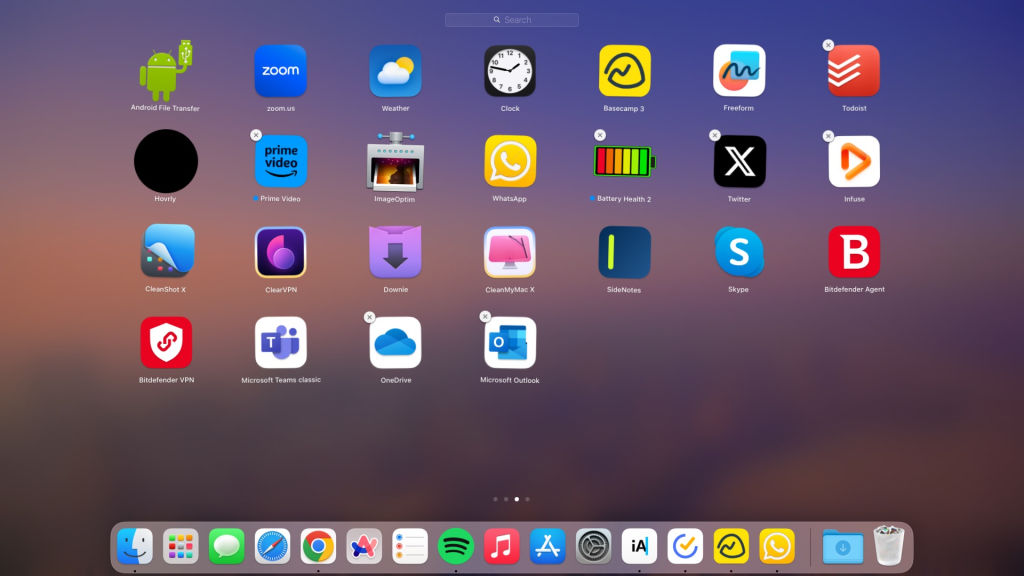
- From Launchpad click and hold the mouse pointer on any of the apps
- Once the apps start wiggling there will be an X appears in the top corner of the app icon
- Click on the X icon on the app
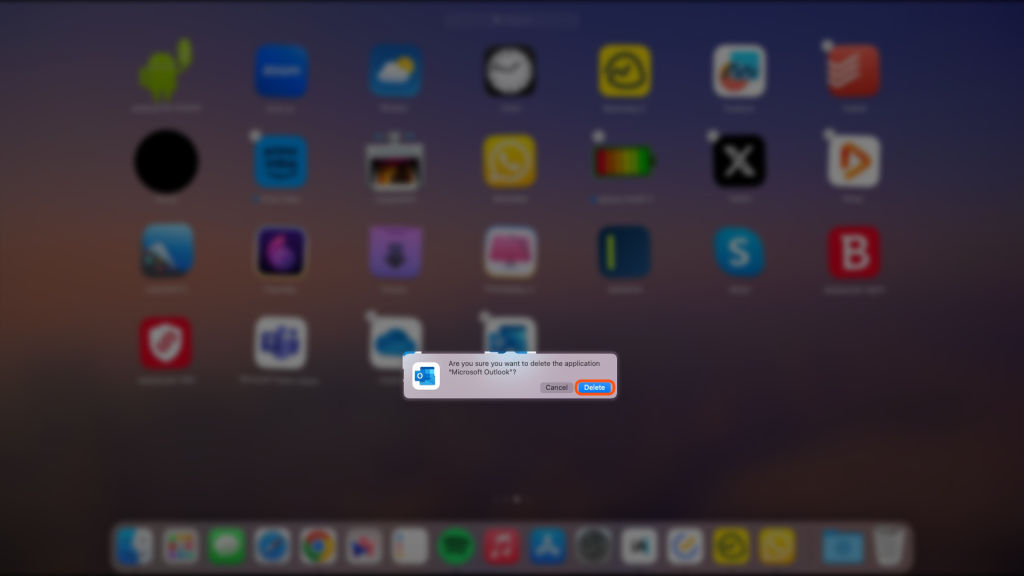
- From the confirmation, dialogue click Delete to continue
- This will uninstall the app from the Mac
Uninstall the App Using Finder on a Mac
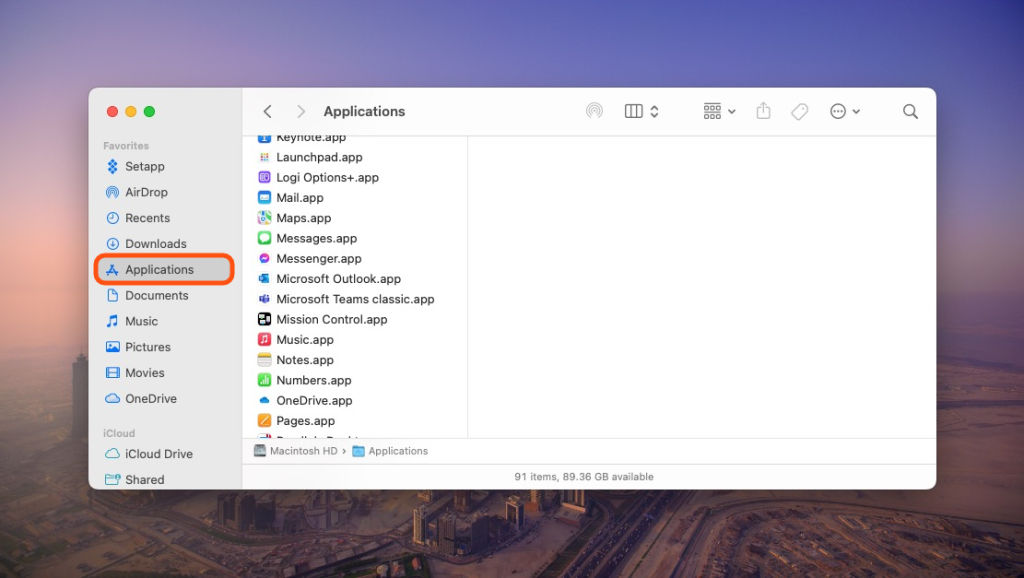
Now if for some reason you can not find the application in the Launchpad it sure that you can find it in the File Explorer but to delete an app from File Explorer you will be need to go through the Trash on your Mac. Let’s take a look at how to do it.
- Open Application Folder in Finder
- Navigate to the app you want to uninstall
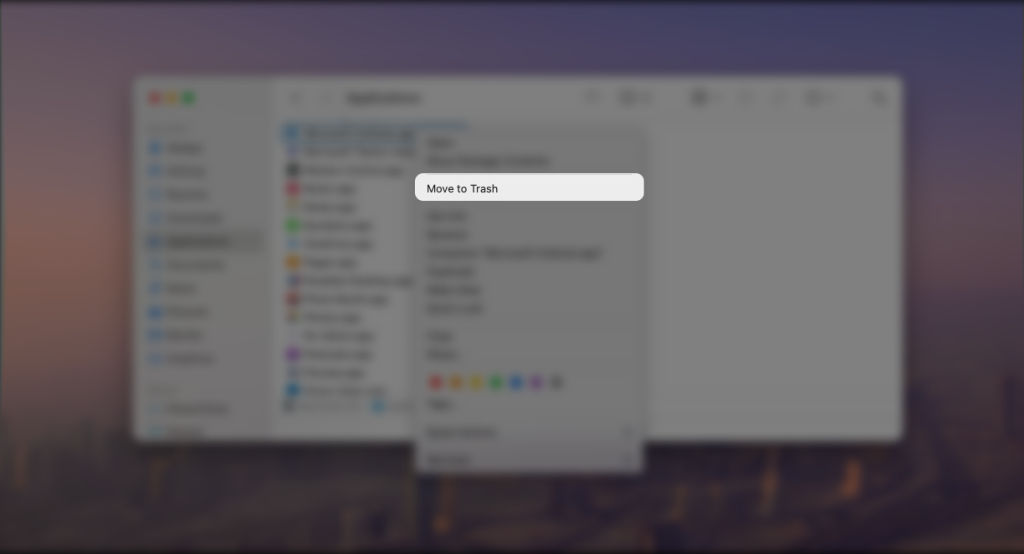
- Right-click on the app name
- Select Move to trash
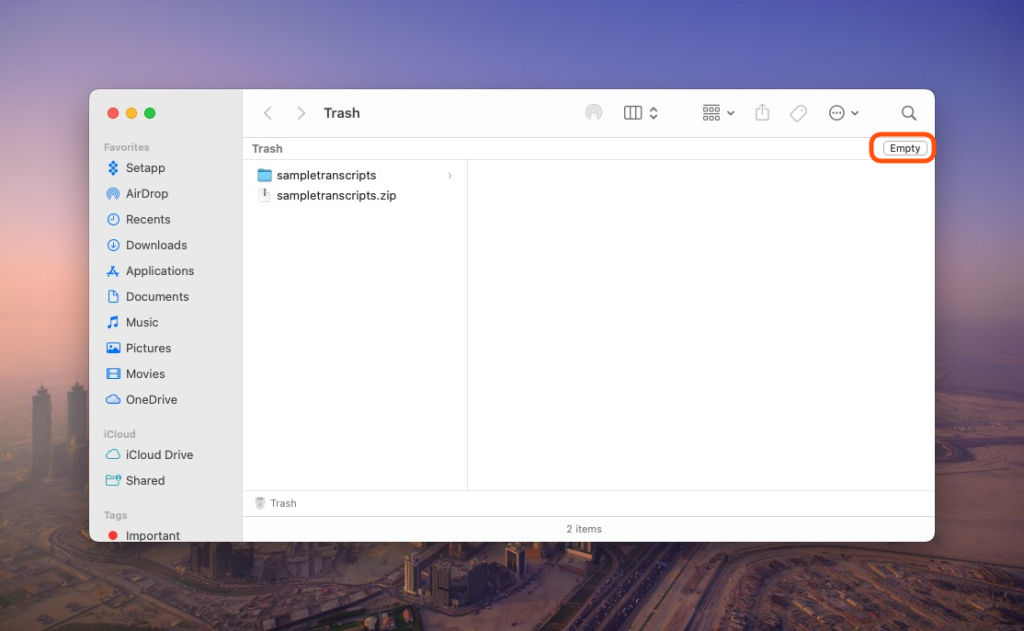
- Now, Right click on the trash icon in the dock
- Select Empty Trash from the options

Uninstall An App On Mac That Doesn’t Show Up In Finder Or Launchpad
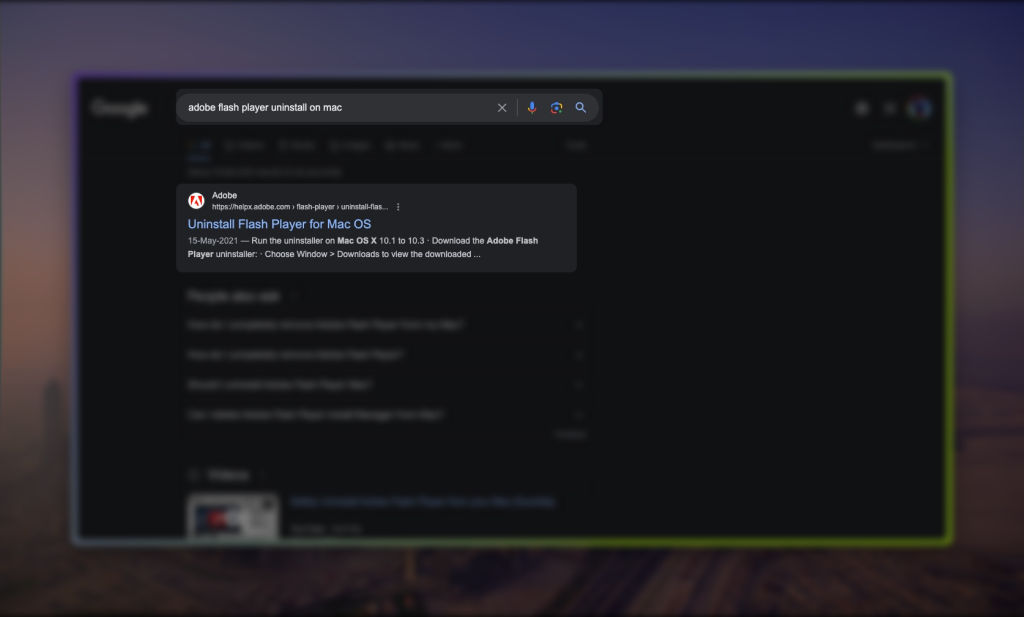
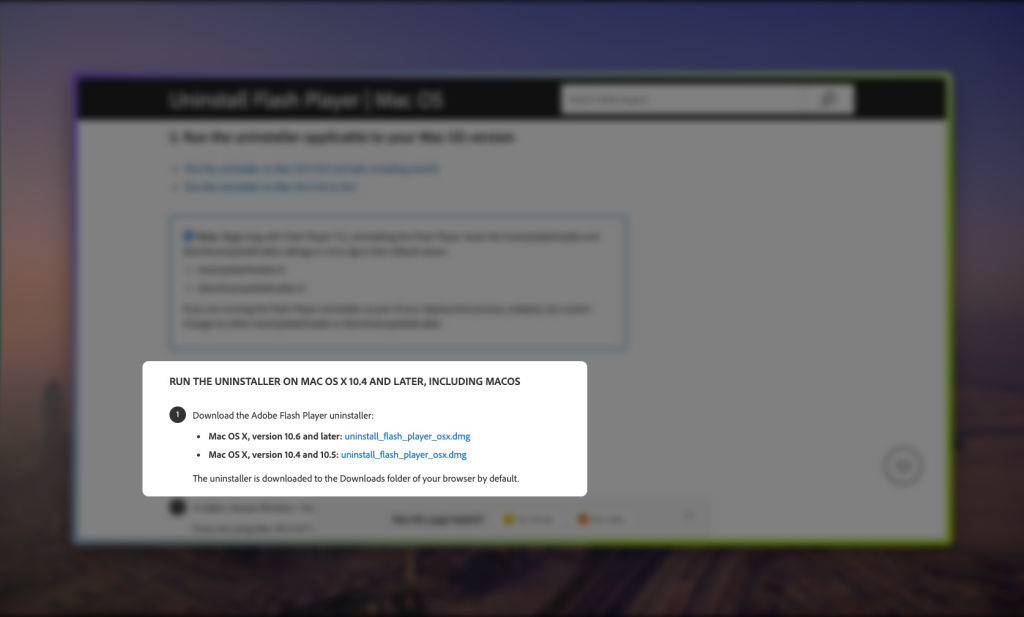
Some Application doesn’t show up in Finder or Launchpador it does not allow us to uninstall like Adobe apps and Flash for example. Apps like this allow us to download uninstallation programs online. If you can’t perform such action here’s an easy guide to do so:

- Open any browser on your Mac
- Search the application name followed by the term “Uninstall on Mac”
- Now visit their official site from a search result
- Download the program to uninstall the application
- Run the program and viola the annoying app is now gone
MORE STORIES FOR YOU: What is WhatsApp Proxy and How to Get and Set Up
FAQs
Why can’t I delete an app from my MacBook?
Some apps require separate uninstallation programs on Macs. This can be one reason why you can not uninstall an app. Or, You may not have admin rights on your Mac, in that case, you will need to ask for permission from your Admin.
Do I need to delete residuals from the finder after uninstalling the app?
Yes, some apps on your Mac leave a huge chunk of residual files behind once you uninstall the app. It can consume your storage space so you indeed need to clean the residual once the app is uninstalled.


Can I re-install the app after uninstalling it?
Yes, one can re-install the app once it’s uninstalled but keep in mind that none of your unsynced data can be recovered after installing the app back.
How long does it take for an app to get uninstalled from Mac?
It usually takes less than a minute for an app to get uninstalled from Mac once you delete it. But, there can be exceptions if the app stores huge chunks in the background it can take a while to get uninstalled.