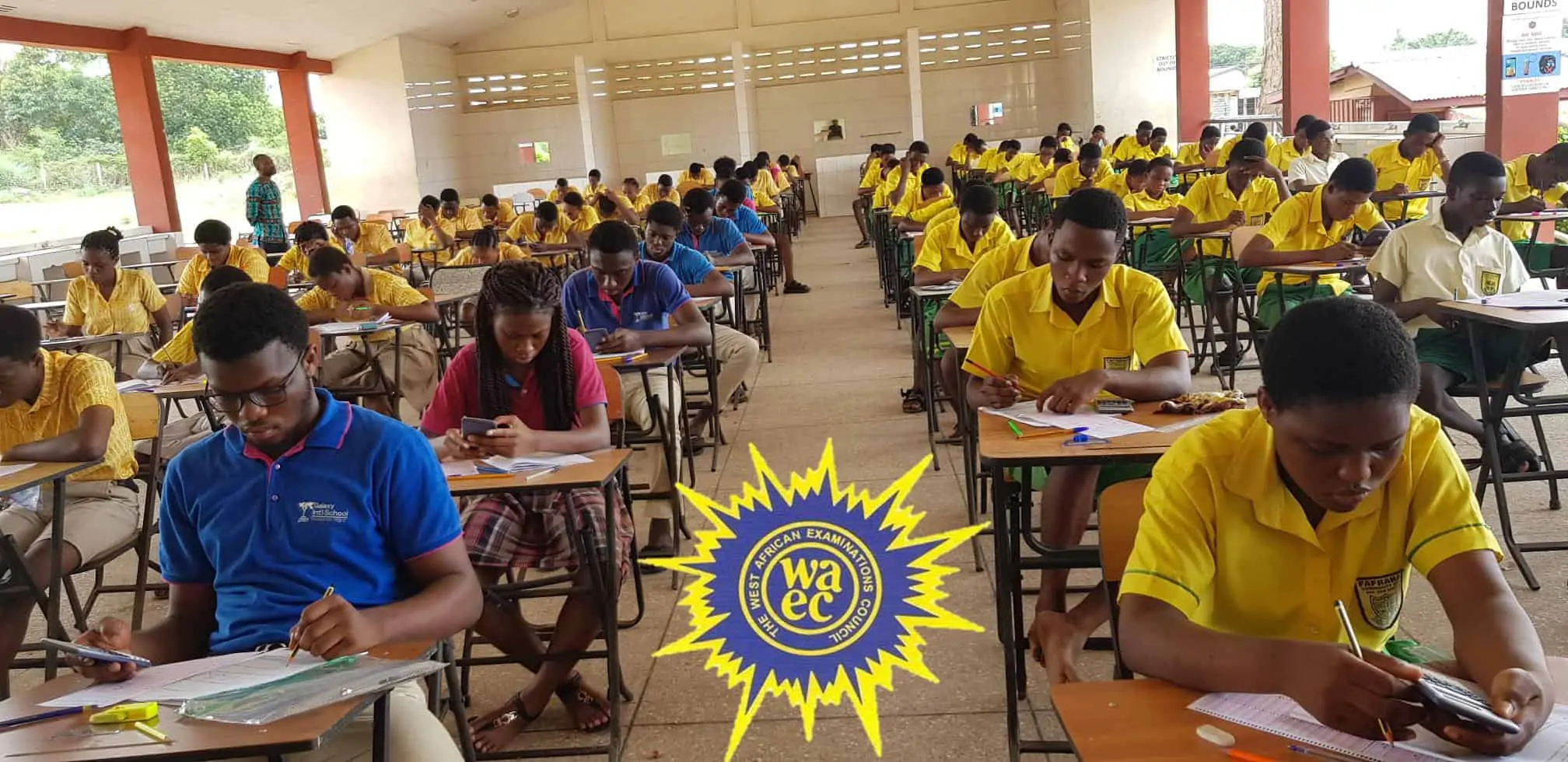
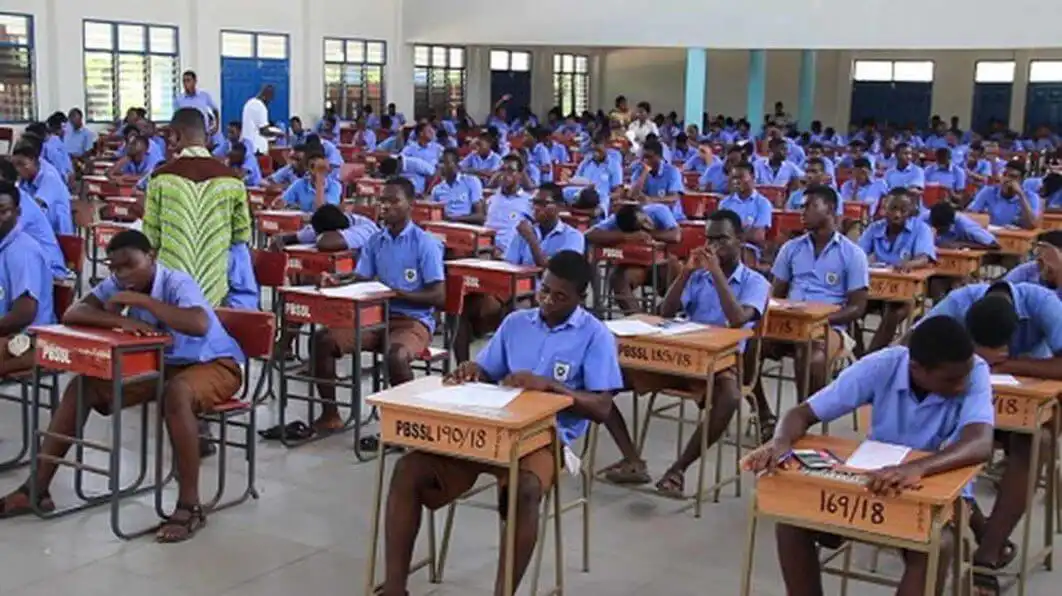
Confirmed! 2022 WASSCE results to be released for school candidates
The 2022 WASSCE results would be released for school candidates who sat for the Ghana-only examination administered by the West African Examinations Council (WAEC) on 30th November 2022.
Candidates who have acquired result checker cards are advised not to use them on the portal until the results are officially out.
Again, when using the result checker ensure, you key in the right information such as index number, etc. If you make the wrong entry by entering another student’s index number, the result checker will not work if you later enter the correct index number.
Candidates may access their results online at www.waecgh.org when it is released by WAEC
Where to by 2022 WASSCE Result Checkers
Candidates and the general public can buy their result checker cards on Ghana Education News by following the procedure below.
- To buy your genuine result checker chat with Ghana Education News on 0270150259 (WhatsApp)
- Indicate the quantity you want to buy based on the price or amount you pay.
- Provide your email and contact number as required.
- Complete the payment on our payment dashboard.
- Once your payment is through, GhanaEducation.org will send you your result check codes via text message.
- If you do not receive your result checker details after paying, chat with us on WhatsApp at 0270150259.
READ:Buy 2022 WASSCE Result Checker With Momo In 6 Easy Steps
How to check your 2022 WASSCE results released by WAEC
- Buy your result checker Ghana Education News on 0270150259 (WhatsApp)
- Log on to https://ghana.waecdirect.org/
- Enter your Index Number.
- Select the Type of Examination (e.g. WASSCE).
- Select your Examination Year, e.g. 2022.
- Enter the Serial Number found on the Voucher.
- Enter the 12-digit Personal Identification Number (PIN) on your Voucher, e.g. 012345678912.
- Confirm your Index Number and Examination Year. This is to ensure that your examination information is correct.
- Click on Submit and wait for the display in the popup window. This may take several minutes.
Source: Ghanaeducation.org