Buy WASSCE 2025 Results Checker Cards Here With Momo
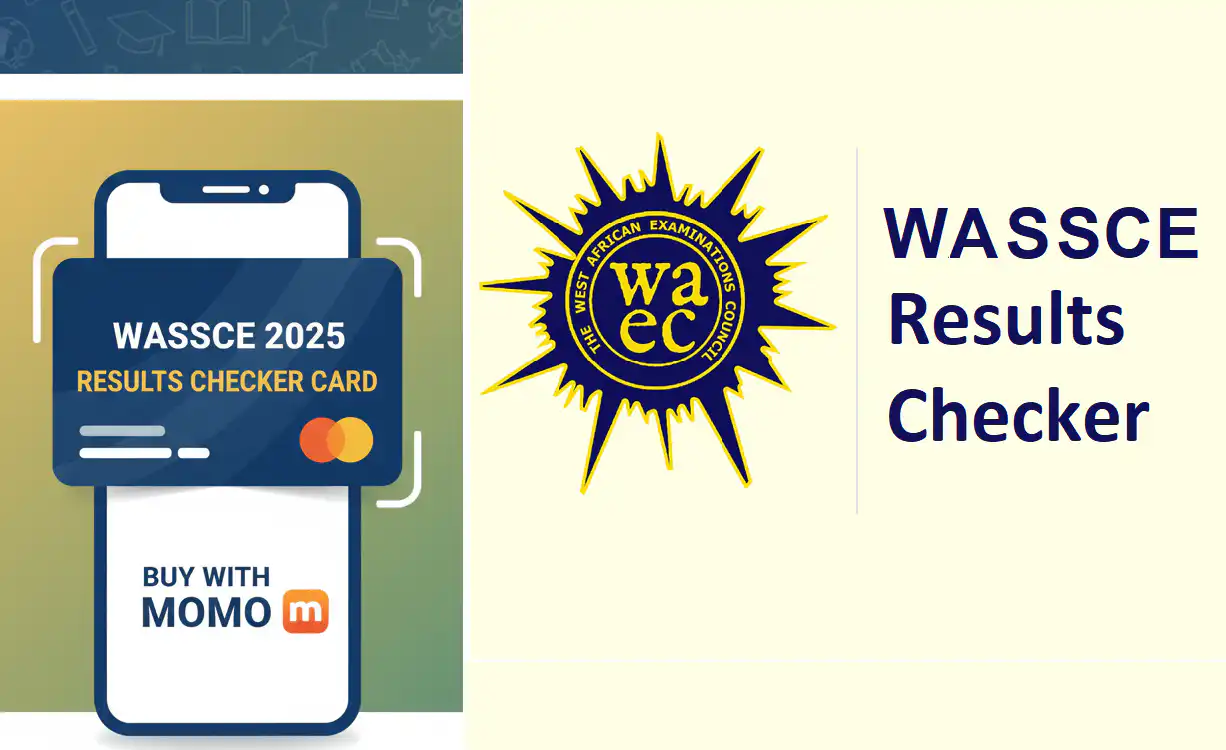
Buy WASSCE 2025 results checker cards quickly and securely. Get instant delivery fo WASSCE result vouchers via SMS after payment. Buy Now, Buy Cheap, Buy From Reliable Education-News Consult Now.
All 2025 WASSCE candidates can now buy WASSCE 2025 results checker cards here with Momo or a MasterCard or VISA card. The result checker cards are delivered via SMS after payment and take less than 15 seconds. Candidates and parents are advised to be careful when buying WASSCE 2025 result checker cards. Avoid buying from criminals and scammers.
Buy from reliable sources like the Education-News Consult. No payment goes to waste, and every buyer receives their unique and original result checker cards for checking their WASSCE results.
The checker cards are valid and delivered to buyers with the speed of lightning. There are absolutely no delays.
How To Buy WASSCE 2025 Results Checker Cards Here With Momo
- go to https://ghanaeducation.org/buy-vouchers/
- Choose WASSCE (SC) card
- Enter the phone number you want to receive the checker card PIN and serial number on.
- Enter the quantity, e.g., 1, 2 or 3…
- Click on “PURCHASE”
- Wait for the payment page on paystack and enter your payment phone number (All networks) or Bank Card number
- Complete the payment process by entering your Momo PIN.
- Wait patiently and get your WASSCE 2025 result checker card sent to your SMS.
Congratulations, you have successfully mastered how to buy your checker card with the simple process above.
READ: WASSCE 2025 Results Release: Buy Result Checker Cards Fast and Easy
How to check the 2025 WASSCE results easily without stress.
Before you check your results, note that checking the results on phones can be delayed due to the volume of traffic. Always use a computer or laptop to check the results. Follow the steps below to check the WASSCE 2025 results online.
- Buy your result checker here – https://ghanaeducation.org/buy-vouchers/
- Visit the result portal at https://ghana.waecdirect.org/
- Enter your index number.
- Select the type of examination (e.g., WASSCE).
- Select your examination year, e.g., 2003.
- Enter the serial number found on the voucher.
- Enter the 12-digit Personal Identification Number (PIN) on your voucher, e.g., 012345678912.
- Confirm your index number and examination year. This is to ensure that your examination information is correct.
- Click on Submit and wait for the display in the popup window. This may take several minutes.