

UPSA Hostel Booking Procedures | How To Book UPSA Bed Space
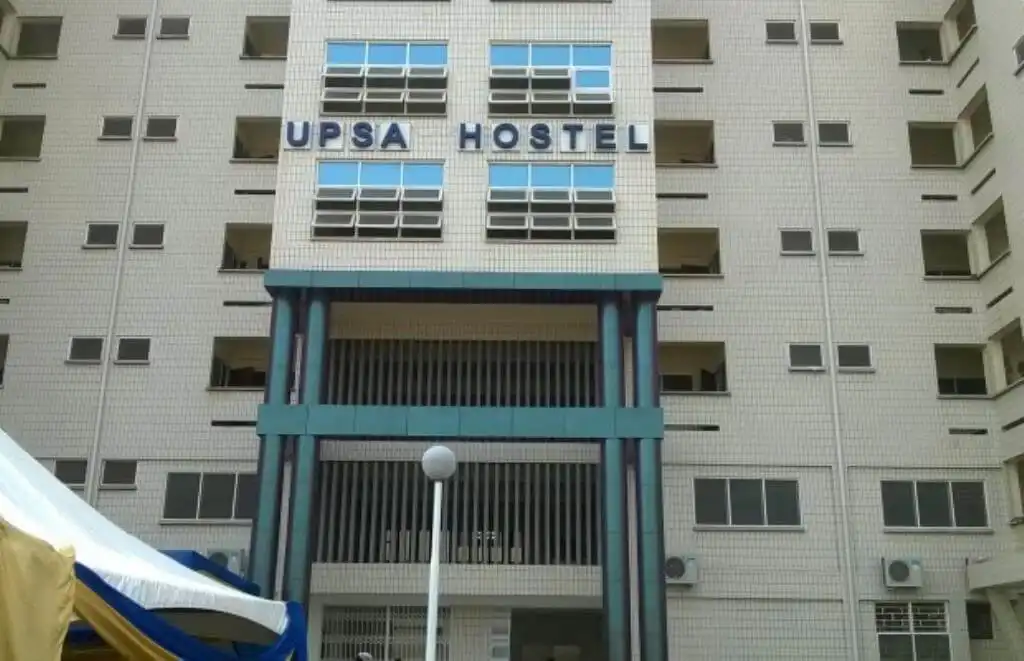
UPSA Hostel Booking Procedures
How to book a room at the University of Professional Studies, UPSA Hostel for new students. How to book a bed at UPSA if you are a new student or a returning student who wants to live in the UPSA Hostel.
The management of the University of Professional Studies Accra (UPSA) has told students who want to live in the UPSA Hostel how to book a room there. Students who want to live in a UPSA hostel should look at the rules for applying and keep in mind the following.
How to Book a Room at a UPSA Hostel
Level 300 and 400 students who want to live in the University’s Hostels for the first semester of the 2022-2023 school year should pay attention to the following:
STAYING IN THE GUESTHOUSES. When you book, you’ll be billed automatically, and you’ll have to pay the amount.
What’s in it?
PROCESSES FOR REGISTRATION, VERIFICATION, LOG IN & PAYMENT REGISTRATION

Students must sign up on the platform for the Hostel Management System. Students should make sure they are registered on the USIS platform before trying to. Students’ emails and phone numbers should be active and easy to reach, as login and verification credentials will be sent through the registration process.

Go to https://upsahostels.com to get to the Hostel Portal.
WANT TO PASS 2027 BECE? REGISTER FOR BECE HOME MOCK
Register your ward for Ghana's premier Home Mock service, active since 2022.
To start the registration process, click “Register for Hostel.”
Type in your UPSA Student ID, email address, and phone number.
To process the VERIFICATION OF DETAILS, click on Register.
This makes sure that the student’s information is correct and easy to find.
If the Student ID entered on the registration form is correct and active, the student should get a “One Time PIN” (O.T.P.) by entering their Student ID on the verification form at their respective
To finish, click “Validate.”
You can get to the UPSA Hostel Application at https://upsahostels.com.
Type in your username, which is your student ID, and your password, which you made when you first signed up.
When you click the Sign-In button, you’ll go to your student account. Follow the steps to book a bed and move on.
Follow the log-in instructions to get into your portal.
Choose the hostel you want.
Choose the room you want and then the bed you want.
Read the rules of the Hostels and agree to follow them. If you don’t agree with the rules and regulations, you are free to cancel your reservation. If you have questions, you can call the Hostel Administration at 0302913535.
Look at your bill and sign off on your bed
Remember:
After that, you’ll be charged automatically.
READ ALSO: SHOCKING: Noah’s Ark Has Been Found; Check It Out
 How to Study Smarter, Not Harder: 5 Science-Backed Strategies for Students
  NSMQ 2026: Edinaman SHS Stages Comeback to Secure One-eighth Spot!
  NSMQ 2026: Accra Girls’ SHS Storms into the One-eighth Stage!
 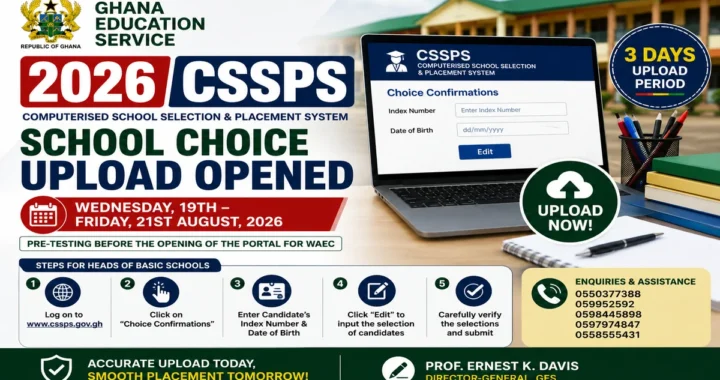 GES Opens 2026 CSSPS School Choice Upload – Heads of Basic Schools Have 3 Days
  Free 2026/2027 Term 1 Schemes of Learning: Download for all classes and subjects
  WAEC Releases 2026 WASSCE (SC) Examination Malpractice Results